Reads memory, never modifies.
100% read-only. The extractor inspects game memory to pull your builds — it never writes, injects, or touches Plarium's servers.
Pull every team from your Raid account and publish it to Gestal in two clicks.
Three principles guide every release.
100% read-only. The extractor inspects game memory to pull your builds — it never writes, injects, or touches Plarium's servers.
Designed from the ground up so creators can share their builds and players can find them all in one place.
Sign in once with your Gestal account and push curated teams straight to your public profile. No copy-paste, no screenshots.
No scripts, no config files, no command line. The extractor is designed so anyone who owns a Windows PC can publish teams the moment they open the app.
Open the extractor and sign in once. Your session is stored locally so you can publish teams without logging in again every time you launch the app.
Secure sign-in · stays signed in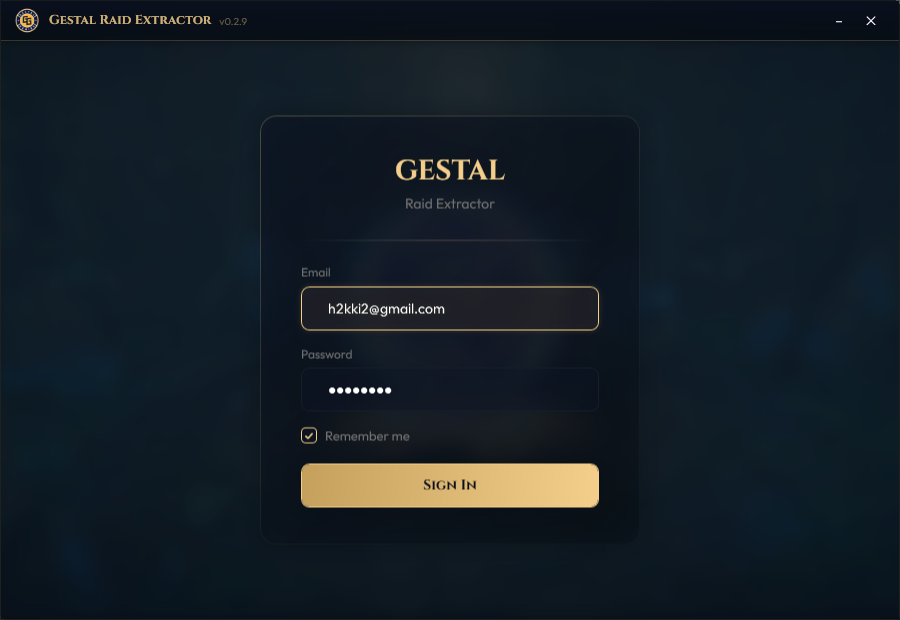
Just open Raid: Shadow Legends — the extractor picks it up automatically once the game is loaded. No config, no setup.
Auto-detects the game process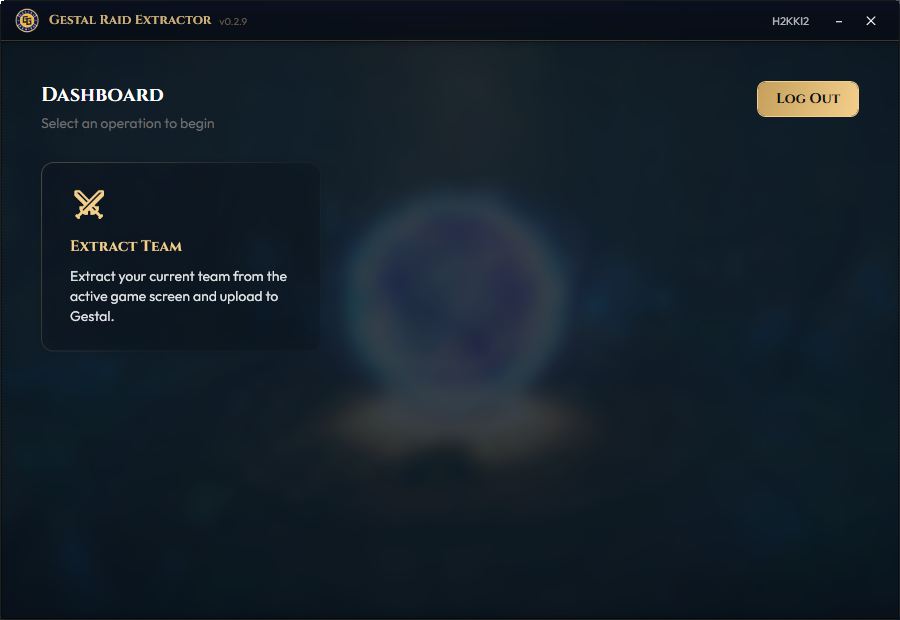
Open a team in-game, hit Extract, and see a quick overview of the champions you're about to upload.
Full build capture · review before publishing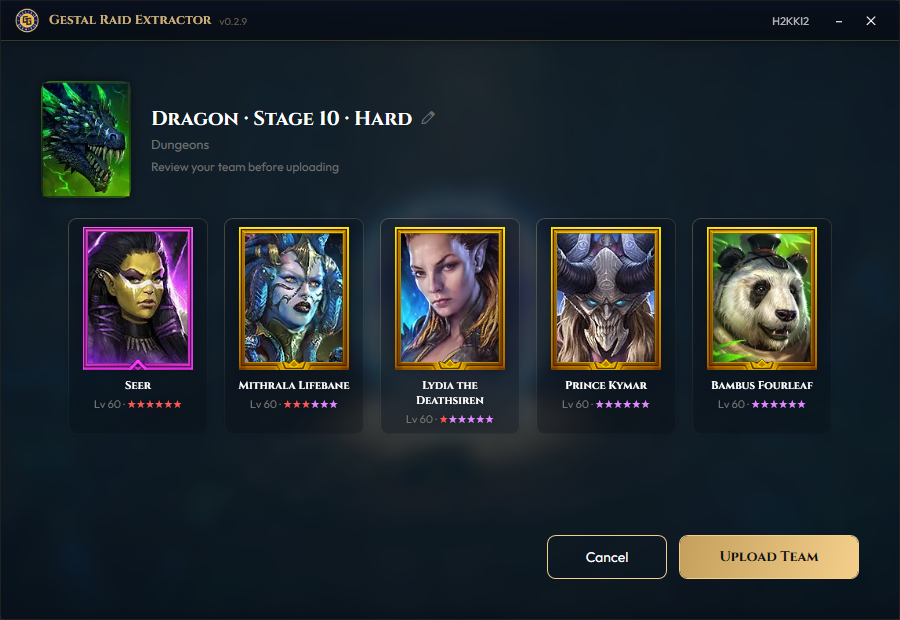
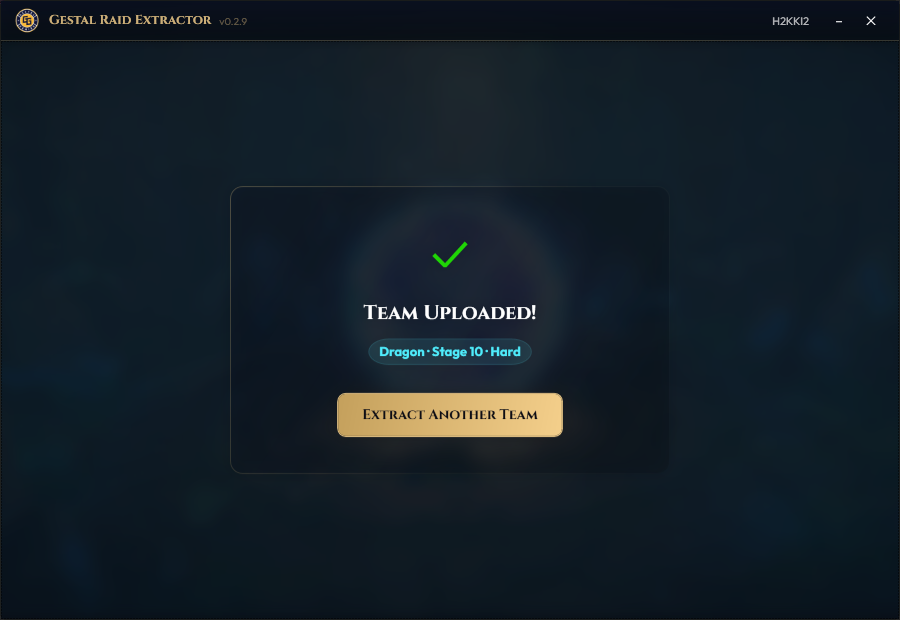
One click and your team is live on your Gestal profile — champions, gear, masteries, and all. Ready to extract the next one.
One click · done